What if your next robotics project started ready to test?
Start with a working codebase and ready-to-run robot simulation. Design experiments, compare results and develop your idea without spending days rebuilding the setup.
Not a VM. A robotics infrastructure.
A virtual machine gives you computing resources. It still leaves you to connect the codebase, development tools, robot simulation, experiment configuration and results.
ProtoJet handles the small but time-consuming integration problems that stand between an idea and a working robotics project. You focus on developing and testing the robot. We take care of the environment around it.
Choose a working starting point
Begin with a ProtoJet codebase and simulation environment that already run together, or bring your own code into a new sandbox.
Design your experiment
Define what should change, what should remain controlled and which results you need to measure.
Run, compare and improve
Test different configurations, compare their results and use the evidence to guide your next development decision.
Test more ideas. See what actually works.
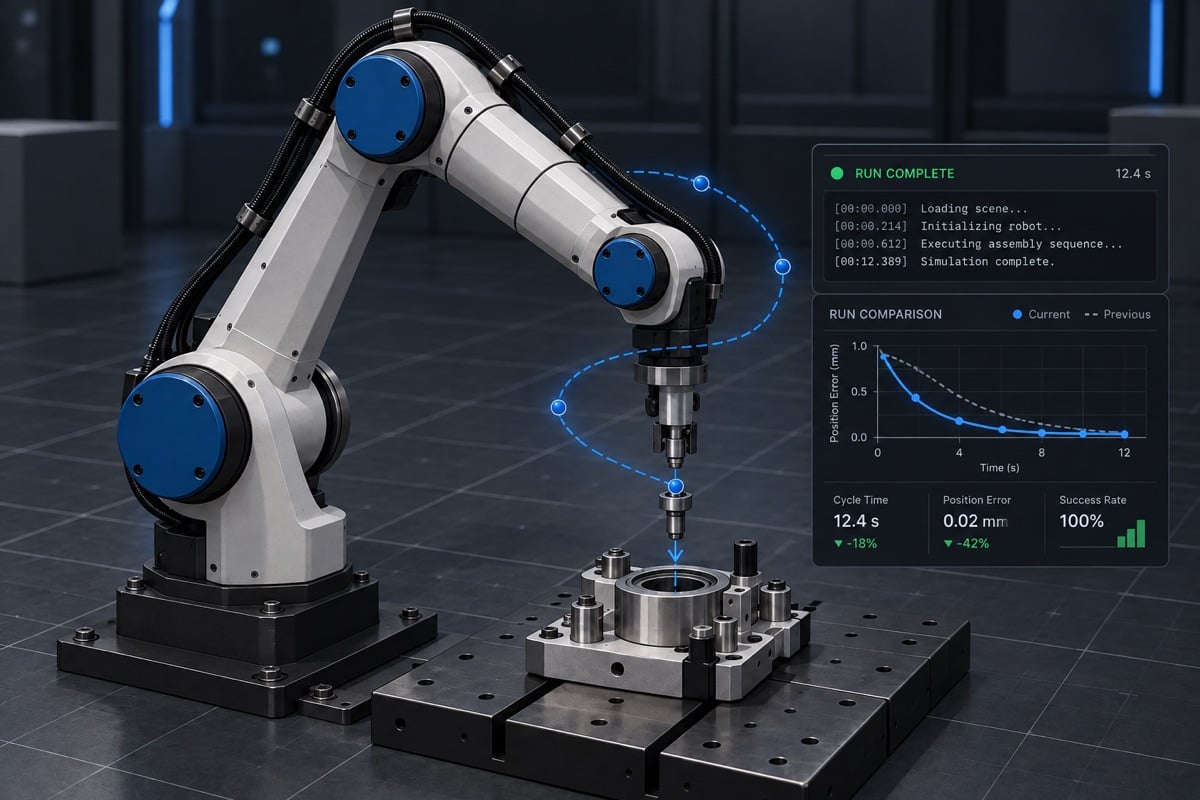
Use ProtoJet’s robot simulation software for design of experiments, running multiple configurations and comparing their results in one place. Test control parameters, environments and robot behaviours without rebuilding your setup for every run.
Turn simulation data into clear engineering decisions and move your physical AI project forward with confidence.
Complete workspaces
Keep code, dependencies, simulation and development tools together in one environment.
Isolated experiments
Test changes without disrupting the main project or competing for the same local machine.
Portable code
Keep ownership of your project and continue working with the code outside ProtoJet.
Build and test physical AI before deploying to hardware
Physical AI systems must interact with sensors, motion, timing and the physical world, not only generate software output. ProtoJet provides robot simulation software for developing these behaviours in a controlled environment before they reach real hardware.
Use ROS, Gazebo, MuJoCo environments to test control logic, autonomous behaviours and system changes. Run repeatable scenarios, compare results and investigate failures without putting a physical robot at risk.
Start with ProtoJet
Select a ready-to-run project and open a working simulation environment. Inspect the code, change the behaviour and run your first experiment without assembling the development stack yourself.
Import your project
Connect an existing repository and launch it inside a complete robotics development workspace. Work with your own code while keeping testing isolated, reproducible and easy to repeat.
AI support, not just for $coding
ProtoJet supports more than writing and improving code. Use AI to investigate errors, debug robot simulations and analyse the results of different experiment runs.
From the first change to the final comparison, AI support stays part of the development workflow while you remain in control of the engineering decisions.
Accelerate your next robotics project
Tell us what you are developing and where simulation setup is slowing you down. We’ll show you how ProtoJet can provide a working codebase, robot simulation environment and repeatable experiment workflow from the start.